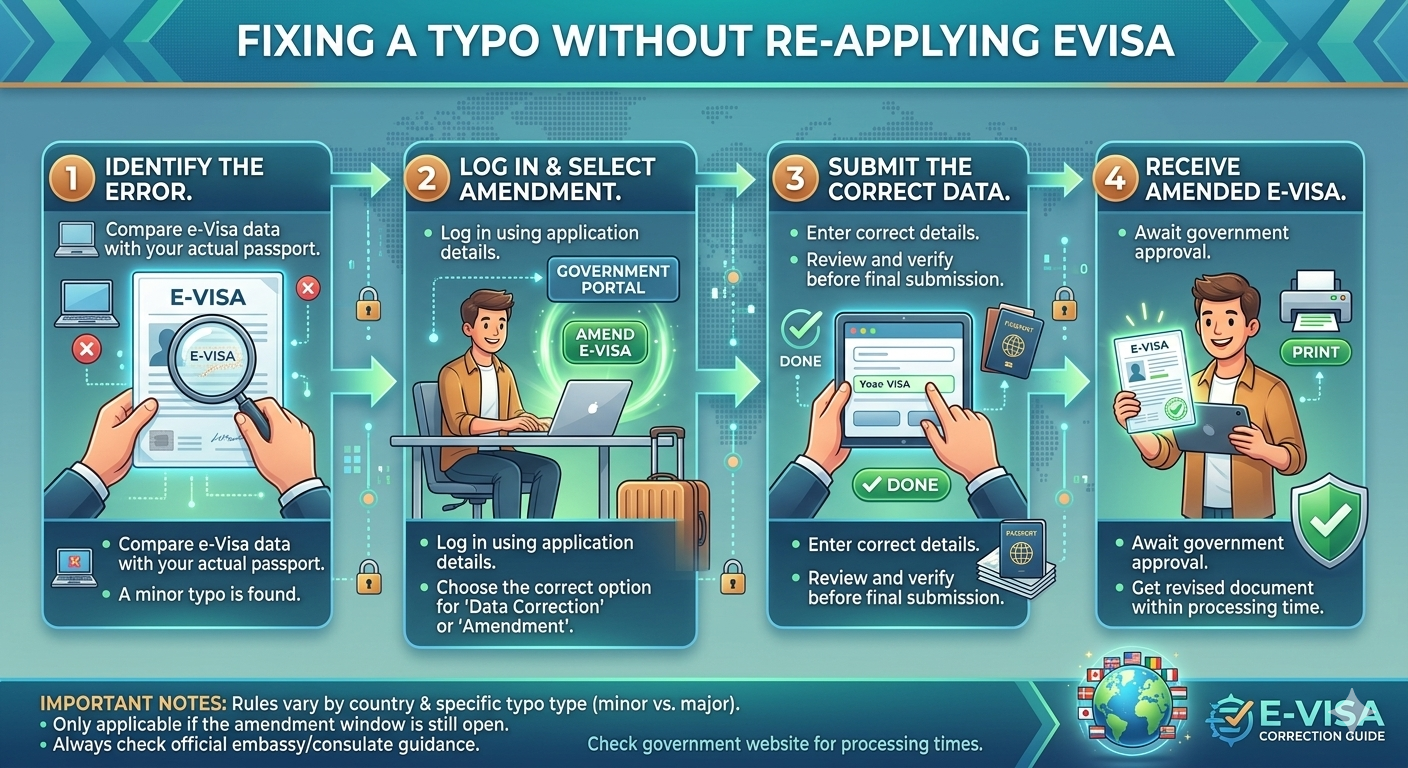
The moment you were happy after seeing “Approved” on your e-Visa portal can quickly turn into panic when you see a misplaced character. Whether it’s a “0” instead of an “O” in your passport number or a change in your date of birth, a mistake on a valid passport is a serious problem. In the world of international border control, discrepancies between your passport and your visa are often the cause of denied boarding or entry.
As we travel around the world in 2026, the question is more important than ever: Can you switch an approved e-Visa, or will you be forced to start – and pay – all over again?
1. The Hard Truth: The “No Edit” Policy
For most e-Visa applications around the world, the answer is no. Most e-visa platforms (such as those for Turkey, Vietnam and Malaysia) operate on a “fixed” basis. Once the digital certificate is generated and linked to your passport number in the government database, the information is “blocked.”
Why can’t I click “Edit”?
The immigration process is designed for high security and minimal disruption. Allowing users to edit approved visas would create significant security vulnerabilities and processing delays. As a result, most portals do not have an “Edit” button for the information provided.
General rule: If the error is in the “Basic Identity Field” – your name, passport number, nationality or date of birth – the visa is considered invalid.
2. When you can fix it (exemptions)
While a “lock” is the norm, some countries and special circumstances offer some hope for a traveler who has made a typo.
United Kingdom (UKVI account)
The UK has almost completely switched to a digital “eVisa” system. If you find a mistake on your UK eVisa – such as an incorrect name or incorrect expiration date – you do not need to reapply.
Solution: You can use the online “Report an error with your eVisa” form. The Home Office will usually review these requests and update your digital file within 10 to 20 working days.
Saudi Arabia
The Saudi eVisa portal is known to be more flexible in terms of processing time. However, if your visa has already been approved, “corrections” usually require contacting their support services via the “Contact Us” form. They may, in some cases, correct minor errors if it is a clerical error and you provide a copy of the biodata page of your passport as proof.
Oman
Oman’s e-Visa system allows users to “search for visa applications” and, in some cases, request amendments or “re-apply” through the portal information if authorities request additional information.
3. Error Selection: Is Your Error Deadly?
Not all typos are created equal. Depending on the severity, you might be able to travel, or you might be stopped at the gate.
| Type of Error | Risk Level | Action Required |
| Passport Number | Extreme | Must Re-Apply. This is the primary key used to find your visa at the border. If it’s wrong, your visa “doesn’t exist” to the scanner. |
| Full Name | High | Must Re-Apply. Even a missing middle name can cause issues with airline check-in systems. |
| Date of Birth | High | Must Re-Apply. Security databases use DOB as a secondary identifier to distinguish you from others with similar names. |
| Address in Country | Low | Usually OK. Minor typos in your hotel address are rarely grounds for rejection, as long as the city is correct. |
| Arrival Date | Moderate | Check Validity. Most e-Visas have a “window of entry.” If your typo puts you outside that window, you need a new visa. |
4. Steps: How to Fix a Non-Refundable Issue
Before you cancel your credit card a second time, try these “hail mary” steps:
Step 1: Check the “Question” or “Process” page
Log back into the official portal using your application ID. Some systems have a “Message” or “Inquiry” section where you can upload a corrected document. If the status is “Approved,” this is unlikely to work, but it’s worth checking for a “Modify” link that might have appeared.
Step 2: Contact the “Help Desk” or “E-mail Support”
Every official e-Visa site has a support email.
-
Subject Line: URGENT: Correction Needed – Application ID Number
-
Body: State clearly what the error is and what the correct information should be. Attach a clear scan of your passport. Success Rate: Low to Moderate. This works best for countries like India or the UAE, where human officers might intervene for minor clerical slips.
Step 3: Use the “Notes” Field (If Re-Applying)
If you do have to re-apply, some travelers worry that having two applications will look suspicious. In your new application, if there is a “Notes” or “Previous Visa” field, simply state: “New application to correct typo in passport number on previous application #12345.“
6. Pro-Tips for 2026: Avoiding the Typo in the First Place
Since editing is so difficult, prevention is your only real defense.
The “Two-Person” Rule: Never submit a visa application without a second person checking the passport number and dates.
OCR Technology: Use portals that allow you to upload a photo of your passport to “auto-fill” the fields. These systems are significantly more accurate than manual typing.
Wait to Book: If possible, secure your e-Visa before booking non-refundable hotels, just in case a typo forces a costly delay.
Summary
While a few countries like the UK have built “Report and Error” features into their 2026 digital infrastructure, the global standard remains: Approved e-Visas cannot be edited. If you have an error in your name, passport number, or birth date, the safest—and often only—course of action is to submit a fresh application. The cost of a second visa fee is almost always lower than the cost of being turned away at the airport.